Scaling a consignment business is different from scaling a traditional retail store. You’re not just tracking products—you’re tracking ownership, agreements, pricing rules, payout schedules, and the relationship between shoppers, consignors, and your store.
That’s why consignment POS software becomes the engine behind growth: it turns a chaotic mix of one-of-a-kind items into repeatable workflows, measurable margins, and predictable operations.
The right consignment POS software helps you intake faster, price smarter, sell everywhere, and pay consignors accurately—without drowning in spreadsheets or manual reconciliation.
Modern POS systems are also moving beyond checkout into analytics, customer personalization, and automation, which matters when you want to scale from one location to multiple stores or expand online.
Industry predictions for 2026 emphasize AI-driven operations, omnichannel selling, and smarter supply chains—trends that can directly benefit resale and consignment stores when your POS is built to support them.
Below is a detailed, practical guide to scaling with consignment POS software, written to be easy to follow while still covering the advanced strategies that help you grow.
Why Consignment Scaling Breaks Without the Right POS Foundation
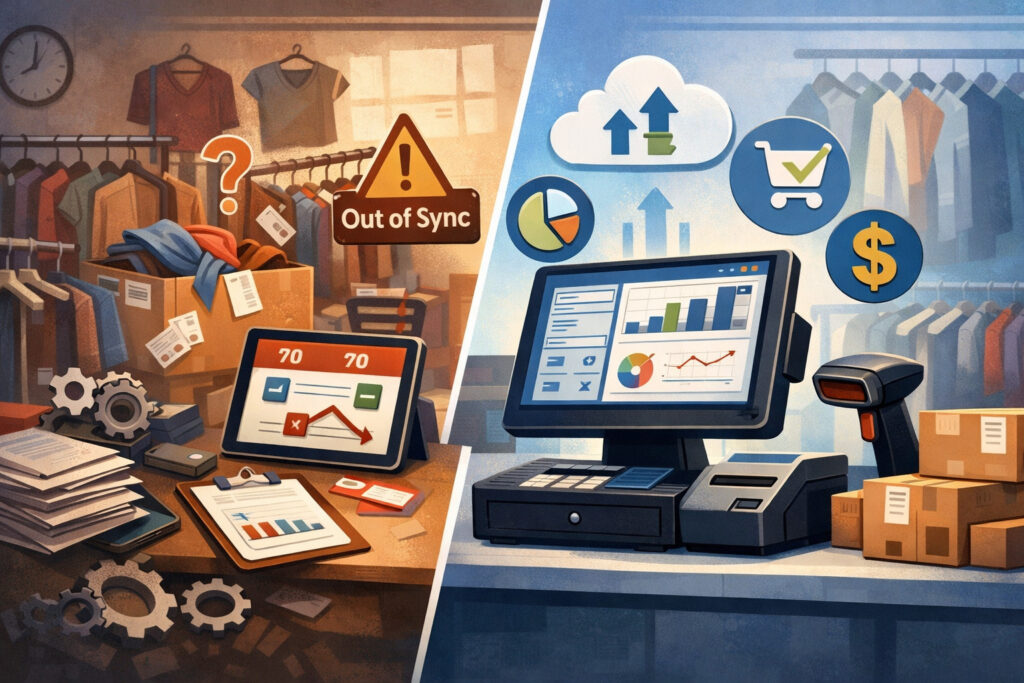
Scaling often fails in consignment because the business model creates “hidden complexity.” Every item is unique, each consignor has a different history, and payouts must match agreements.
When you’re small, you can survive with handwritten tags, spreadsheets, and memory. Once you grow, those tools turn into expensive mistakes: mispriced items, lost inventory, delayed payouts, and frustrated consignors who stop bringing inventory.
Consignment POS software solves this by turning your store into a system. Intake becomes structured: items get tagged, assigned to consignors, categorized, priced, and tracked from day one. Sales become traceable: every transaction connects back to the original consignor and the exact split you agreed on.
Payouts become consistent: instead of reconciling manually at month-end, your POS produces accurate consignor reports and payout statements.
This foundation matters even more when you expand sales channels. Many consignment stores now sell in-store plus online—through an ecommerce site, marketplaces, or social selling. Without consignment POS software that can handle multi-channel inventory and consignor accounting, you risk overselling, misreporting, and turning growth into chaos.
Buyer guides for consignment POS commonly highlight intake, consignor tracking, splits, store credit, and ecommerce as “must-have” requirements specifically because general retail POS often lacks these features out of the box.
What “Scaling” Really Means in a Consignment Store
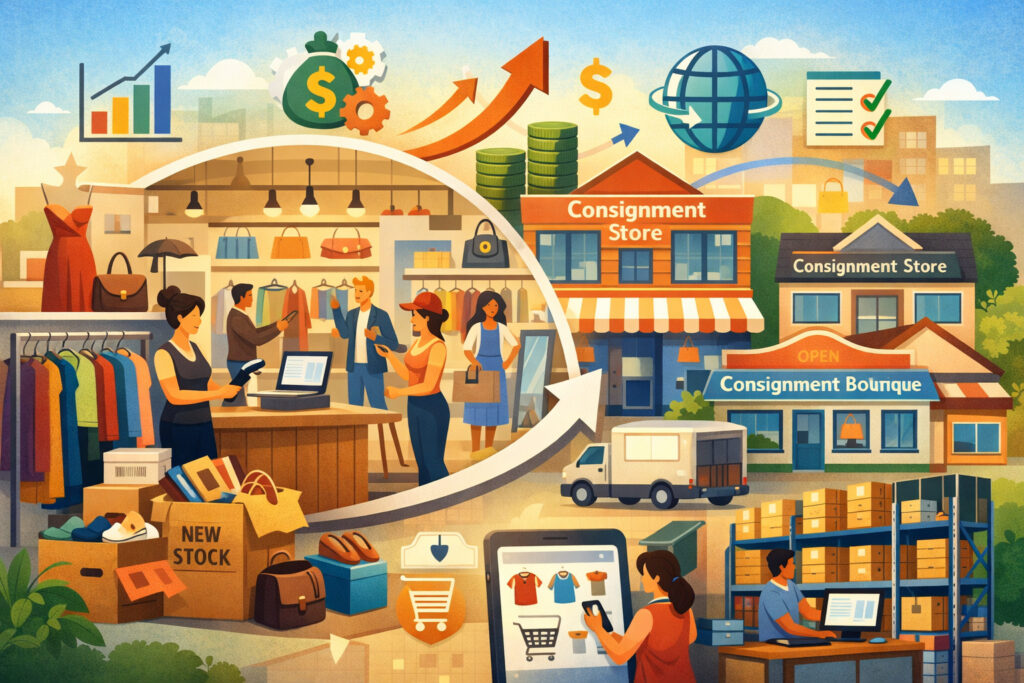
Scaling is not only about more sales. In a consignment business, scaling means increasing volume while protecting trust. That trust is your supply chain—consignors bring inventory because they believe you’ll price fairly, sell efficiently, and pay correctly. Your POS is the proof.
Here’s what scaling usually looks like in stages:
Scaling Stage 1: Faster Throughput (Same Store, More Items)
At this stage, you need to process more items per hour. Consignment POS software should speed up intake, automate tagging, standardize categories, and reduce “dead time” at the register. You also need clean reporting: sell-through rate, average days to sell, markdown performance, and consignor contribution.
Scaling Stage 2: Omnichannel Selling (Same Inventory, More Channels)
Now you want to sell in-store and online. The POS must manage near-real-time inventory updates and handle channel-specific rules (like different prices or listing templates). Modern retail trends emphasize omnichannel integration as a core POS function, not an add-on.
Scaling Stage 3: Multi-Location or Warehouse-Style Operations
When you add a second location or a backroom warehouse, inventory precision becomes non-negotiable. You need transfer workflows, role-based permissions, audit trails, and consistent pricing logic. This is where consignment POS software either supports your growth—or becomes the reason you stall.
Core Features Your Consignment POS Software Must Have to Scale
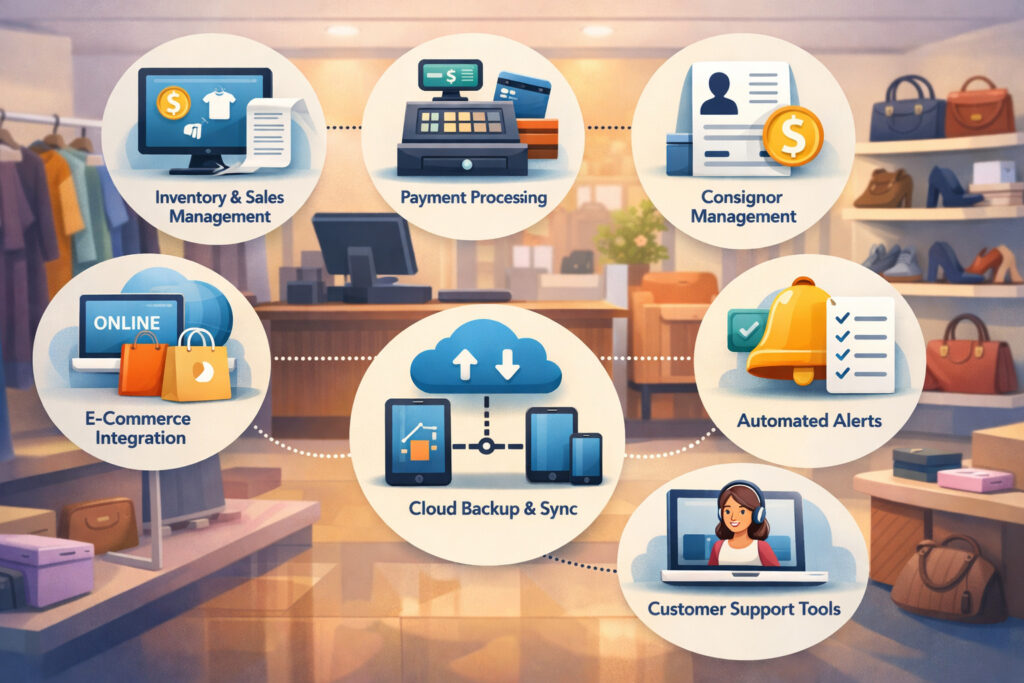
Not all POS systems are built for consignment. A general retail POS might handle barcodes and receipts, but consignment requires ownership tracking, split rules, and payout reporting. To scale, your consignment POS software should cover these essentials:
Consignor Profiles and Agreement Rules
You need profiles that store commission splits, payout preferences, tax handling rules, minimum price rules, and contract dates. Consignment buyer guides frequently call out consignor tracking and flexible split handling as key requirements because your payouts depend on it.
Item-Level Ownership, Lifecycle, and Audit Trail
Each item should show: intake date, consignor, price history, markdown schedule, current location, and sale record. Scaling means you’ll have more staff—so you need traceability to resolve disputes fast.
Automated Payout Calculations and Statement Generation
A scalable consignment POS software should automatically calculate consignor earnings and generate payout reports you can email or export. Some solutions built around popular retail POS ecosystems specifically promote payout report generation and exporting for bookkeeping.
Unique Inventory Tools for One-Off Items
Consignment inventory is not “SKU-heavy” like big-box retail. It’s one-of-a-kind. Your POS should support fast item creation, category templates, variants (size/color), condition notes, and photo attachment.
Reports That Actually Matter in Consignment
To scale profitably, your reporting must go beyond sales totals. You need:
- Sell-through rate by category and brand
- Average days to sell
- Markdown effectiveness
- Consignor performance (inventory quality + conversion)
- GMROI-style insights for resale (cash flow vs. space used)
Intake and Tagging: How to Turn Inventory Chaos Into a Repeatable System
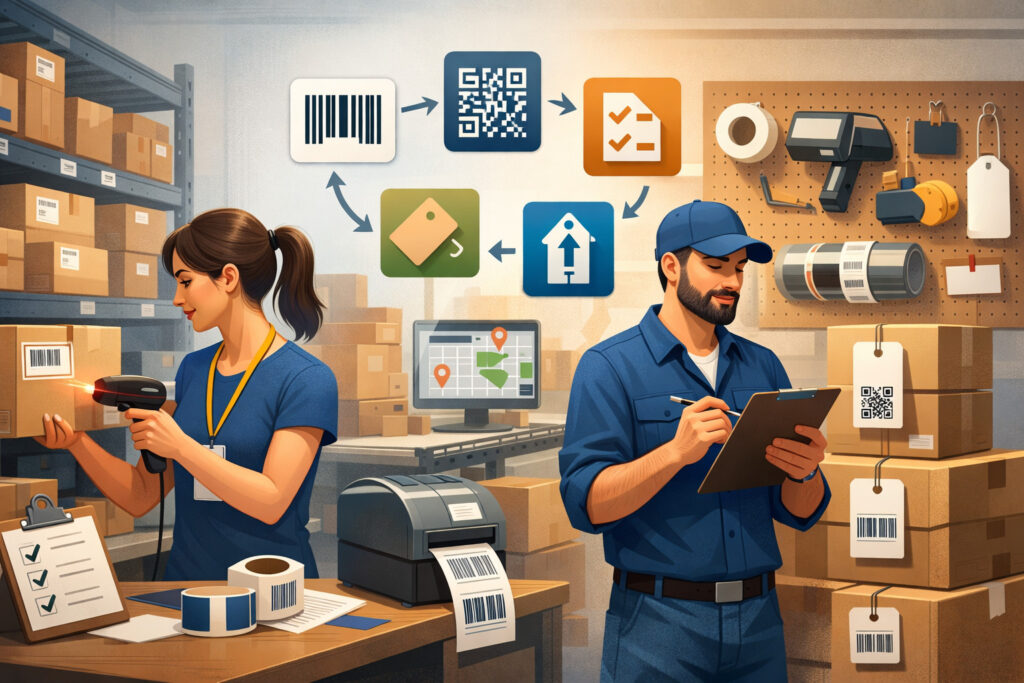
Intake is where consignment stores win or lose scale. If intake is slow, messy, or inconsistent, everything downstream breaks. Consignment POS software should make intake feel like production—not improvisation.
Start by building standardized intake workflows inside your POS:
- Required fields (category, condition, brand, size, color)
- Pricing rules (minimum, brand-based pricing, seasonal pricing)
- Markdown schedules (e.g., 30/60/90-day reductions)
- Tag formats (barcode + short description + price + department)
A scalable intake process also protects your brand. When pricing varies wildly between employees, shoppers lose trust and consignors feel treated unfairly.
Use templates in consignment POS software so similar items get similar handling. This is especially important in resale niches like children’s clothing, luxury handbags, furniture, or sneakers—where pricing logic must be consistent.
If you’re scaling staff, make intake “trainable.” Your POS should support role permissions so new employees can intake items but not override pricing rules without approval. That single control can protect margin and prevent accidental underpricing.
Finally, intake speed matters. Many stores adopt barcode printing and scanning workflows so items move from intake to shelf quickly. Retail POS systems increasingly emphasize inventory controls as a scaling feature—because inventory accuracy is what allows growth without shrink and confusion.
Pricing and Markdown Strategy Using POS Data
Consignment pricing is part science, part brand strategy. If you price too high, items sit and your sales floor becomes cluttered. If you price too low, you lose margin and consignors feel shortchanged.
Scaling requires you to price consistently and adjust based on performance signals—something consignment POS software is built to support.
A strong approach is a 3-layer pricing system:
- Baseline pricing rules by category (e.g., “women’s denim starts at X, premium brands at Y”).
- Brand-based modifiers (higher for high-demand labels, lower for oversupplied brands).
- Time-based markdown schedules so inventory doesn’t stagnate.
When your consignment POS software tracks item age, you can automate markdown events. This matters because stagnant inventory is a scaling killer: it eats floor space and reduces the “treasure hunt” feeling that makes resale exciting.
If your store also sells online, pricing may differ by channel. Your POS should support channel-aware pricing or at least reporting by channel so you can learn where an item performs best.
Looking ahead, retail predictions emphasize AI’s growing role in pricing and operational decisions. Industry commentary for 2026 highlights AI “snowballing” after major breakthroughs and reshaping operations—pricing optimization is one of the first places small retailers can apply that shift through smarter POS analytics or integrated tools.
Consignor Experience: Scaling Supply by Building Trust at Scale
Consignment businesses don’t just sell products—they manage relationships. Scaling requires increasing supply without losing consignor confidence. The consignor experience is where consignment POS software quietly drives growth.
Your POS should enable:
- Clean consignor statements (sales, fees, splits, payouts)
- Payout scheduling (weekly/biweekly/monthly)
- Store credit options (and tracking store credit balances)
- Transparent item status (active, sold, returned, donated, expired)
When consignors feel informed, they consign more—and they refer friends. This is how you scale supply without spending heavily on inventory acquisition.
A powerful tactic is to create tiers:
- Standard consignors (default split)
- Preferred consignors (better split if they meet quality/volume standards)
- VIP consignors (white-glove intake appointments, priority merchandising)
Consignment POS software makes tiering possible because it stores splits and rules at the consignor profile level. Without that automation, tiering becomes a manual nightmare.
If you use POS add-ons designed for consignment workflows, many focus on generating payout reports quickly and consistently—because payouts are the heartbeat of the consignor relationship.
Omnichannel Growth: Selling In-Store and Online Without Inventory Conflicts
Many consignment stores reach a ceiling in their local neighborhood. Omnichannel breaks that ceiling by giving you more buyers without needing more foot traffic. But omnichannel only works when inventory is accurate—because consignment inventory is typically one-of-one.
To scale omnichannel, your consignment POS software must support:
- Central inventory syncing (so an item sold in-store disappears online fast)
- Channel-specific listing workflows (photos, descriptions, attributes)
- Shipping and tax settings
- Returns handling that respects consignor agreements
Even if your POS doesn’t natively include ecommerce, it should integrate with inventory tools or ecommerce platforms so you can maintain a single source of truth. Modern POS strategies increasingly center on the POS as a hub that connects inventory, customer data, and reporting—especially as retailers push deeper into omnichannel operations.
Scaling omnichannel also changes how you merchandise. In-store merchandising is about browsing and discovery. Online merchandising is about search, filters, and photos. Your POS data can tell you which categories convert best online and which should remain in-store for impulse buying.
Operations and Staffing: Using POS Controls to Scale Without Losing Control
Scaling a consignment store usually means hiring. Hiring is good—but it introduces inconsistency, theft risk, pricing errors, and reporting confusion if your POS lacks proper controls.
A scalable consignment POS software setup should include:
Role-Based Permissions
Cashiers shouldn’t be able to change splits. Intake staff shouldn’t be able to void transactions without manager approval. Permissions reduce mistakes and protect margin.
Audit Trails
When something goes wrong—missing item, wrong payout, price override—you need to know who did what and when.
Standard Operating Procedures Built Into POS
Use intake templates, required fields, and barcode workflows so staff follows your process naturally.
Training Using Real POS Scenarios
Instead of training “concepts,” train workflows:
- How to intake an item in under 60 seconds
- How to apply markdown rules
- How to process a return under your agreement terms
- How to resolve a consignor question using the POS record
Retail technology trends increasingly frame the POS as the “system of operations,” not just checkout. That’s exactly what consignment stores need when scaling staff.
Payments, Compliance, and Bookkeeping: Building a Cleaner Financial Backbone
Growth exposes weak financial plumbing. In consignment, the complexity doubles: some money belongs to the store, some belongs to consignors, and the timing matters.
Your consignment POS software should help you separate:
- Gross sales revenue
- Store commission income
- Consignor liabilities (what you owe consignors)
- Fees, discounts, and promotions
- Taxes collected (where applicable)
You also need clean exports to accounting software or bookkeeping workflows. Many consignment POS platforms and comparisons highlight QuickBooks-style integrations or export tools for reconciliation because manual entry becomes impossible at scale.
On the payments side, choose a setup that supports:
- Chip + tap + mobile wallet acceptance
- Digital receipts
- Returns and exchanges workflows
- Fraud controls for card-not-present transactions (if you sell online)
As retail evolves, major industry outlooks point to continued investment in AI and technology modernization. That often translates to POS ecosystems becoming more integrated—inventory + payments + analytics + automation—especially for retailers trying to scale efficiently.
Analytics That Drive Scaling Decisions (Not Just “Nice Reports”)
Scaling without data is guesswork. The best consignment POS software turns daily transactions into operational signals.
The most important consignment KPIs include:
Sell-Through Rate
If sell-through is low, you may be taking in the wrong items, pricing too high, or merchandising poorly.
Days to Sell
Shorter days to sell means better cash flow and more floor turnover.
Margin by Category and Brand
Some categories look busy but aren’t profitable once labor and markdowns are factored in.
Consignor Quality Score
Not an official POS metric—but you can create it using POS data:
- % of items sold
- Average days to sell
- Average discount needed to move inventory
- Return/dispute frequency
Staff Productivity
Transactions per hour, items processed per shift, and return resolution time are operational metrics that matter when you add employees.
Future-forward retailers are leaning into AI-assisted decision-making and automation. Industry trend coverage for 2026 highlights AI expanding from novelty to core infrastructure—meaning smaller retailers will increasingly expect their POS to surface insights automatically (like “this category is stalling” or “markdown now”).
Choosing the Right Consignment POS Software for Your Growth Plan
Selecting consignment POS software should start with your scaling goal. A single-location boutique has different needs than a multi-location resale brand.
Here’s how to evaluate options:
Fit for Consignment Workflows
Does it handle consignor splits, payouts, store credit, intake tagging, and detailed item history? Consignment-focused POS comparisons consistently list these as primary requirements.
Ease of Use for Intake Speed
If intake feels slow, your staff will resist using it properly—and your inventory data will degrade.
Omnichannel Capability
Can it integrate with ecommerce, manage inventory syncing, and support shipping workflows?
Reporting Depth
Can you track sell-through, days to sell, markdown performance, and consignor-level performance?
Ecosystem and Add-Ons
Some stores use a mainstream POS with consignment add-ons that generate consignor payout reports and commission rules. This can be a flexible path if you want the hardware, payments, and app ecosystem benefits plus consignment-specific logic.
Cost Structure That Doesn’t Punish Growth
Watch for pricing models that get expensive when you add registers, locations, or users. Scaling means more users and more data.
Future Predictions: Where Consignment POS Software Is Headed Next
Consignment is positioned to benefit from the same technology wave reshaping retail, especially AI and automation.
AI-Powered Intake, Pricing, and Listing
Expect more POS tools to help auto-suggest categories, prices, and even product descriptions based on photos and market signals. Retail forecasts and industry commentary increasingly center AI as the dominant force in 2026, with momentum building from breakthroughs in 2025.
Smarter Automation and “Agentic” Workflows
Some retail AI trends point toward systems that can take actions, not just generate reports—like recommending markdowns, triggering reorders (in traditional retail), or optimizing inventory allocation. In resale, that could become automated markdown scheduling, targeted promotions for stale categories, and dynamic consignor incentives.
Deeper Omnichannel and Unified Commerce
POS systems are becoming hubs that unify customer profiles, loyalty, inventory, and checkout across channels. This is good news for consignment stores trying to scale online while staying operationally clean.
More Integration With Marketplace and Social Selling
As resale continues to expand, expect POS platforms to integrate more directly with listing channels, making it easier to sell the same item across curated storefronts, marketplaces, and social platforms—without losing track of ownership and payouts.
FAQs
Q.1: What makes consignment POS software different from regular retail POS?
Answer: Consignment POS software tracks ownership and agreements at the item level. It connects each sale to a consignor, applies commission splits, manages store credit, and produces payout reports—features that general retail POS often doesn’t support natively.
Consignment buyer guides consistently list consignor tracking and payout handling as core requirements.
Q.2: How does consignment POS software help increase profits?
Answer: It improves profits by reducing intake labor, preventing pricing errors, speeding up markdown decisions, improving inventory turnover, and helping you identify the categories and brands with the best sell-through. Better payout accuracy also increases consignor retention, which stabilizes supply and reduces acquisition effort.
Q.3: Can I scale to online sales with consignment POS software?
Answer: Yes—if your consignment POS software supports ecommerce integration or reliable inventory syncing. Omnichannel growth requires fast inventory updates so one-of-a-kind items don’t oversell. Retail trend coverage increasingly treats omnichannel as a core POS expectation.
Q.4: What reports should I track weekly when scaling?
Answer: At minimum: sell-through rate, days to sell, markdown performance, sales by category, and consignor performance. When you scale staffing, add productivity metrics like items processed per shift and transaction time.
Q.5: Should I use a consignment-specific POS or a mainstream POS with an add-on?
Answer: Both can work. A consignment-specific platform may offer deeper consignor workflows out of the box. A mainstream POS plus consignment add-on can give you strong hardware, payments, and app ecosystem benefits—while adding consignor payout reporting and commission logic. Some add-ons emphasize automated payout report generation and export for bookkeeping.
Q.6: What’s the biggest mistake stores make when scaling with POS?
Answer: They treat the POS like a cash register instead of the operating system of the business. Scaling requires standardized intake, consistent pricing rules, permissions, audit trails, and analytics-driven decisions—all of which depend on how you configure and use consignment POS software day to day.
Conclusion
Scaling a consignment business is ultimately about turning trust and inventory flow into a repeatable system. Consignment POS software is the tool that makes that system possible. It organizes intake, enforces pricing logic, tracks one-of-a-kind inventory, manages consignor payouts, and delivers the analytics you need to expand without losing control.
When you choose and implement consignment POS software correctly, you can scale in phases: increase intake speed, expand into omnichannel selling, improve consignor retention, and eventually grow into multiple locations or a larger warehouse-style operation.
And as retail technology moves deeper into AI-powered automation and unified commerce, consignment stores that build on a modern POS foundation will be positioned to compete with bigger players—while keeping the community-driven, treasure-hunt experience that makes consignment special.