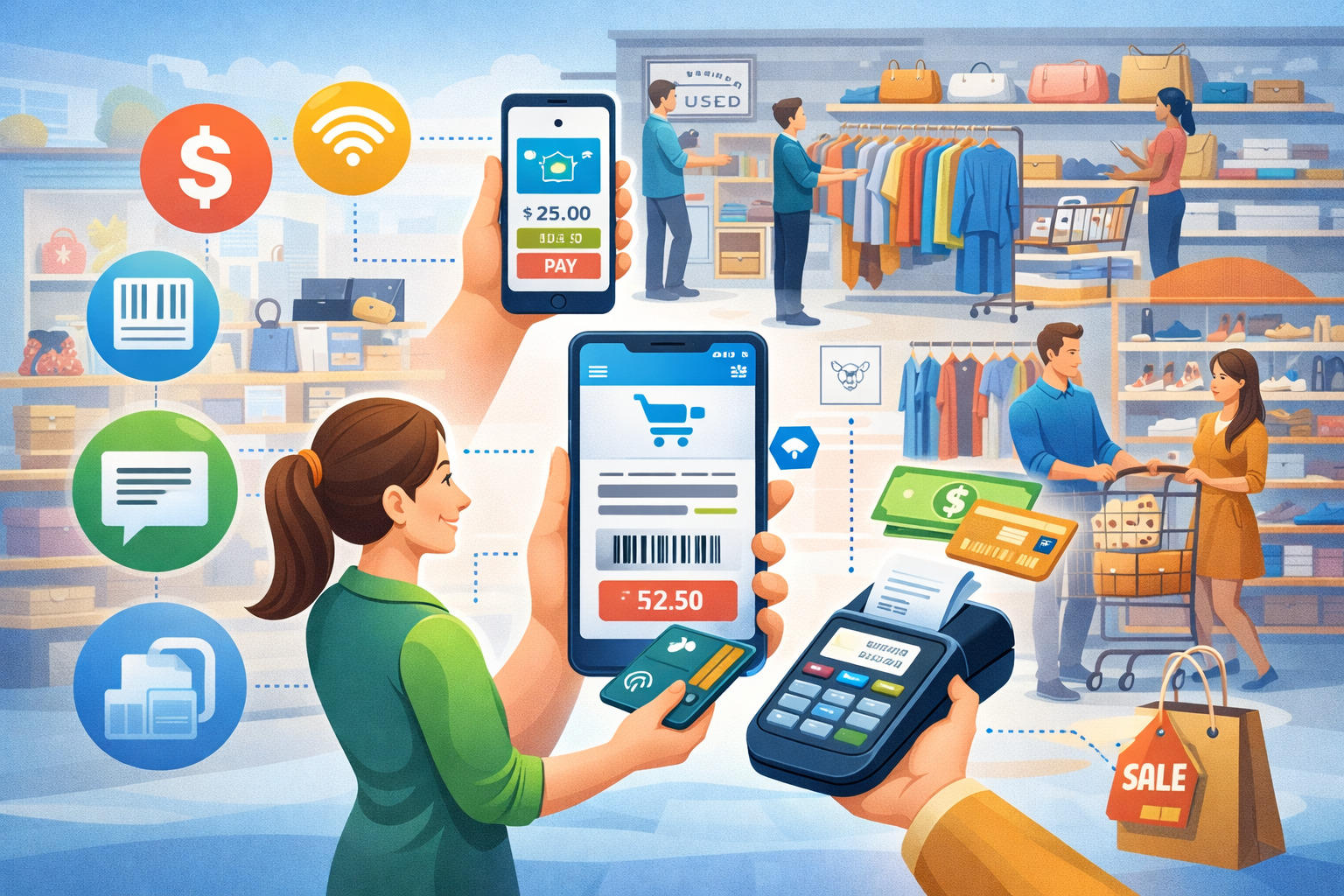
Consignment retail has always been “different retail.” Your inventory is one-of-one, your pricing is dynamic, your customers love treasure-hunting, and your payouts have to be accurate down to the penny.
That’s exactly why mobile POS trends for consignment stores are accelerating faster than many other retail niches: mobility solves the biggest pain points—intake speed, floor selling, line-busting, and real-time inventory accuracy—without forcing you into a rigid big-box workflow.
In practical terms, mobile POS isn’t just “a register on a tablet.” The strongest mobile POS trends for consignment stores connect payments + intake + tagging + consignor agreements + payouts + omnichannel listings into a single flow.
When you nail that flow, you reduce intake bottlenecks, keep more items sellable (instead of sitting unprocessed), and raise conversion by helping staff close a sale wherever the shopper is standing.
This matters even more because resale shoppers increasingly expect quick, wallet-friendly checkout (tap, digital receipts, loyalty) while consignors expect Amazon-level transparency (status updates, sales notifications, payout clarity).
Modern mobile POS systems are becoming the “operating system” for the resale floor—supporting handheld scanning, photo capture, dynamic markdown rules, and customer selling without sending staff back to the counter every time.
Below is a detailed, easy-to-follow, search-optimized breakdown of the mobile POS trends for consignment stores that are shaping 2026—and the next few years—plus how to adopt them without disrupting daily operations.
Why mobile POS is becoming the default for consignment operations
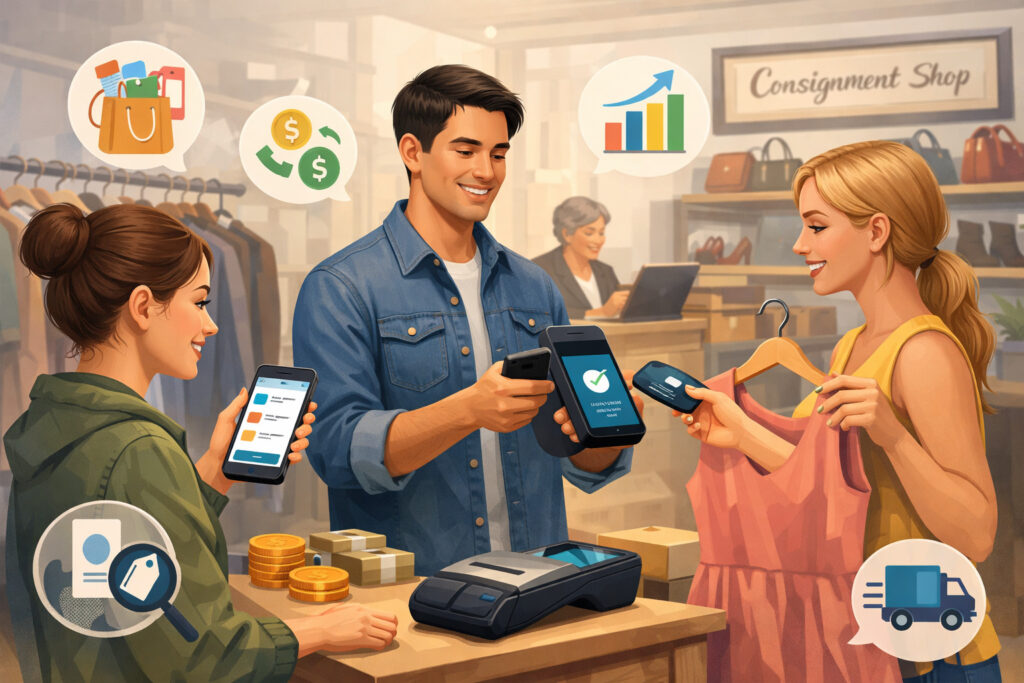
Mobile POS is winning in consignment because it directly attacks the two biggest cost centers: labor minutes and inventory mistakes. Traditional checkout forces your team into a “walk-back” workflow: check price at rack → walk to counter → search SKU → confirm consignor split → complete sale → return to floor.
Mobile POS replaces that with “scan, confirm, sell” on the spot. That time savings compounds across busy weekends and seasonal rushes.
A second driver is intake. Consignment intake is not like receiving cartons of identical items. It’s photographing, evaluating condition, assigning categories, setting prices, generating tags, and attaching consignor terms.
Many modern consignment-focused platforms promote trends like mobile workflows, automation, and AI support for pricing and decisioning. When intake happens faster, you get more items on the floor while they’re still “fresh,” which is critical for sell-through.
Third, consumer payment expectations are pushing mobility. Tap-to-pay and digital wallets are now considered baseline convenience, and “tap-to-phone” options are reducing hardware dependence by letting staff accept contactless payments using a phone in some configurations.
Square, for example, supports accepting contactless payments with Tap to Pay on iPhone without a separate reader. That capability aligns perfectly with pop-up events, curbside moments, and line-busting during promotions.
Finally, mobile POS trends for consignment stores are growing because resale is becoming more omnichannel. Your floor is also a photo studio, a fulfillment center, and a customer-service desk. Mobility lets your staff handle a hold request, look up an item’s history, message a consignor, and close the sale without breaking the customer experience.
The hidden ROI: reducing “unsellable time”
One of the most overlooked ROI metrics is the time items spend unsellable—waiting for tagging, waiting for pricing, waiting for system entry, waiting for a counter associate to get free. Mobile-first intake and floor workflows shrink that window dramatically.
If you reduce unsellable time by even a day or two per item, you raise turnover and free cash flow for marketing, merchandising, and staff training.
Mobility also improves trust
Consignors judge you on transparency and accuracy. A modern mobile POS flow can generate instant intake receipts, clear item status, and cleaner payout records—reducing disputes and improving long-term consignor retention.
Tap-to-pay and “tap-to-phone” are reshaping checkout expectations
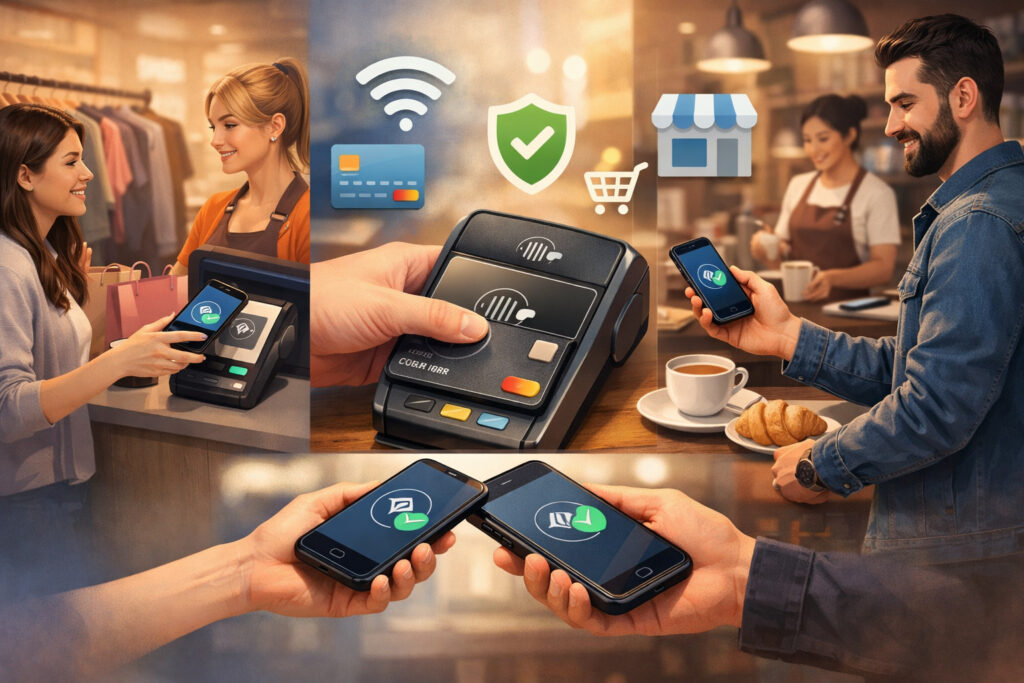
A defining theme in mobile POS trends for consignment stores is the shift from “device-based checkout” to “checkout anywhere.” Contactless payments are not just a nice-to-have—they reduce friction for impulse purchases (which are common in resale) and help move lines quickly during busy hours.
Two trends are converging:
- Tap-to-pay with contactless readers (NFC-enabled devices)
- Tap-to-phone (SoftPOS) where a phone can accept a contactless payment in supported setups
Square’s Tap to Pay on iPhone highlights what shoppers want: a quick, secure tap using mobile wallets and contactless cards. Even if you don’t use that exact product, the market direction is clear—your customers increasingly expect checkout to work everywhere.
At the same time, the underlying NFC technology is improving. The NFC Forum’s newer “Release 15” update increases operating range (making taps easier and more reliable), which supports faster real-world experiences in retail environments.
In a consignment store—where scanners, tags, hangers, and busy hands are normal—reliable tapping reduces failed attempts and awkward delays.
What this means for consignment stores
If your store runs frequent promotions, seasonal rushes, or sidewalk events, tap-to-pay is no longer optional. It directly impacts conversion, especially for low-consideration purchases under time pressure. It also reduces the “I’ll come back later” problem—because you can close the sale immediately.
Practical adoption tips
- Train staff on how to handle failed taps quickly (fallback to chip, then swipe if allowed)
- Use digital receipts to reduce printer friction
- Set clear policies for returns and store credit (resale shoppers ask often)
Handheld POS devices are replacing fixed terminals for floor selling and line-busting
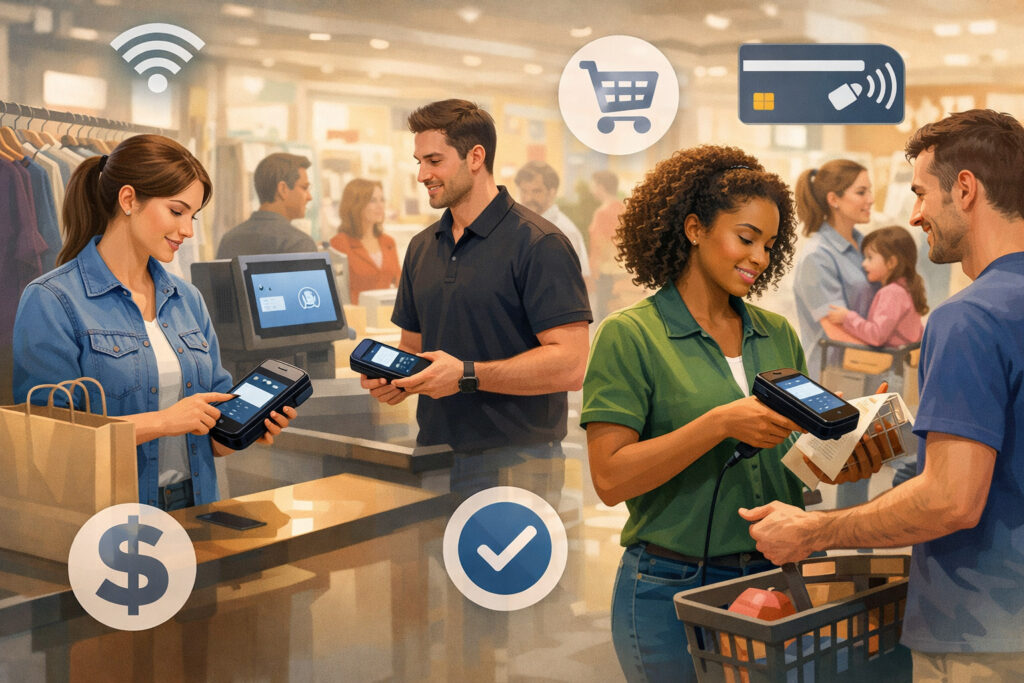
Another strong entry in mobile POS trends for consignment stores is the rise of purpose-built handheld POS hardware. These devices combine barcode scanning, camera functions, and payment acceptance into one tool, designed for all-day use on the retail floor.
A recent example: Square introduced a compact handheld POS device aimed at truly mobile acceptance, including tap-to-pay and traditional card transactions, plus built-in scanner/camera features.
Whether you choose that product or another brand, the direction matters: vendors are investing heavily in handheld form factors because mobility is now a primary retail workflow.
For consignment, handhelds shine in three places:
- Tag scanning & price checks on the rack
- Line-busting during peak hours
- Instant inventory updates when items move, get repriced, or are placed on hold
Unlike tablets, handhelds are easier to keep in an associate’s hand throughout a shift. That reduces “device drop-off,” where tools get left behind at the counter—leading staff back to old habits.
Durability and battery life matter more in resale than you think
Resale environments are physical: racks, bins, backroom piles, donation/consignment intake, and quick merchandising changes. Handhelds built for retail tend to handle drops and long shifts better than consumer tablets. Battery life is not a spec-sheet detail—it’s operational reliability.
Don’t overlook device management
As you add more mobile devices, you need:
- Role-based access
- Simple pin/biometric logins
- Remote wipe capability if a device is lost
These aren’t “enterprise-only” features anymore; they’re becoming standard expectations as mobility expands.
Mobile intake workflows are the biggest operational unlock
If checkout is where customers notice mobility, intake is where you feel it in your margins. Among all mobile POS trends for consignment stores, mobile intake is the one that can change your business model—because it increases throughput without necessarily adding headcount.
A modern intake flow typically includes:
- Consignor lookup (or fast creation)
- Agreement selection and commission rules
- Item photo capture
- Category/brand/condition fields
- Suggested pricing (rule-based or AI-assisted)
- Tag printing (or digital tagging options)
- Instant intake receipt to consignor
Some consignment POS industry commentary highlights AI and mobile workflows as major directions, especially because consignment inventory is complex and constantly changing. Even if you’re not ready for advanced AI, basic mobile intake (photo + scan + tag print) can cut intake time significantly.
Barcode scanning + camera-first item creation
Most consignment items don’t have manufacturer barcodes (or they’re irrelevant). So the trend is shifting toward store-generated barcodes tied to photo records and attributes. A phone camera becomes a fast capture tool for item condition and proof-of-intake—reducing later disputes.
Smarter tagging and faster floor readiness
Tag printing at intake used to be a bottleneck. Now stores are adopting:
- More reliable wireless printers
- Batch printing with mobile queues
- “Print later” staging (items pre-built in system)
The goal is simple: fewer items sitting in a backroom waiting for tags.
Intake appointments and digital pre-intake
Many stores are adding appointment workflows so staff can plan labor. Mobile POS systems that integrate scheduling, intake notes, and consignor profiles reduce chaos and improve the customer (consignor) experience.
Omnichannel resale: your mobile POS is becoming a listing engine
Resale is increasingly omnichannel—items may sell in-store, through social platforms, or via local delivery and pickup. That’s why mobile POS trends for consignment stores now include “capture once, sell everywhere.” When your staff creates an item record with photos and attributes on a mobile device, that record can also power:
- Online listings (owned site or marketplace feeds)
- Social selling posts
- Customer holds and messages
- Fulfillment workflows (pick/pack)
Industry guides for resale POS systems emphasize that many generic POS tools struggle with resale needs like consignor splits, single-SKU tracking, and automation—making specialized workflows more valuable. The more you sell online, the more damaging it is to have disconnected systems, because the same item can’t be “sold twice.”
Real-time inventory sync is non-negotiable
For consignment, “sync delays” cause real losses:
- Overselling online
- In-store holds that aren’t reflected in the system
- Incorrect payout reporting
Mobile POS improves this by letting staff update status immediately (available → hold → sold → returned).
Mobile fulfillment and ship-from-store
Even small resale stores are experimenting with shipping. Mobile picking (scan items as you pick) reduces mistakes. The trend is to treat the store like a micro-warehouse—especially for high-demand categories.
Social commerce workflows
Your team may be answering DMs about size, condition, and availability. Mobile POS that supports quick item lookup by photo or tag reduces response time—leading to higher conversion.
Payments modernization: wallets, digital receipts, and flexible tender types
Consignment customers often prefer flexible payment options. The most visible mobile POS trends for consignment stores in payments include:
- Digital wallets and contactless
- Digital receipts (SMS/email)
- Split tender (card + store credit + cash)
- Store credit handling with tight controls
- Gift cards and promotions
- BNPL options (where supported and appropriate)
Market research firms continue forecasting strong growth in contactless payment value through the end of the decade, driven by NFC and wallet adoption. Even without buying expensive reports, the operational implication is straightforward: you should assume your customers will increasingly use contactless methods.
Store credit is a consignment-specific “payment rail”
Consignment store credit is not just a discount—it’s a liability and loyalty tool. Your POS must:
- Track issuance reason (return, promotion, consignor payout choice)
- Prevent misuse
- Allow partial redemption
- Audit changes and manual adjustments
Mobile access helps staff apply credit on the floor without sending customers to a manager station.
Digital receipts reduce friction and support marketing
Digital receipts aren’t only paper-saving. They become a permission-based marketing moment:
- Return policy clarity
- Loyalty enrollment prompts
- Consignor onboarding links
Keep it simple and compliant, but don’t waste the channel.
Tap-to-phone can lower hardware costs for pop-ups
If your store does events, sidewalk sales, or partner pop-ups, tap-to-phone options can reduce the need to buy many extra readers. The point is flexibility: accept payments wherever your inventory goes.
AI-assisted pricing and analytics are moving from “nice” to “necessary”
Pricing is the hardest part of consignment. You’re balancing:
- Fair value for consignors
- Margin targets
- Condition variability
- Brand demand
- Seasonality
- Shelf time and markdown schedules
That’s why AI and analytics are showing up repeatedly in mobile POS trends for consignment stores. Consignment POS trend discussions increasingly call out AI as a driver for better decisions in complex inventory environments. In real life, “AI pricing” doesn’t have to mean a black box—it can be structured assistance:
- Suggested price ranges based on past store sales
- Automatic markdown timing recommendations
- Alerts for fast-selling categories
- Flags for items that are priced too high compared to historical outcomes
Mobile dashboards for managers
The trend is toward simple, mobile-friendly dashboards:
- Sell-through rate by category
- Aging inventory buckets
- Markdown effectiveness
- Top consignors and best-performing brands
When managers can check metrics from the floor, they act faster—moving items, adjusting displays, and coaching staff.
Predictive markdown rules
Instead of “everything 20% off after 30 days,” smarter systems use:
- Category-based aging
- Brand velocity
- Condition grades
The goal is fewer dead racks and more consistent turnover.
Loss prevention analytics
Consignment shrink is real—tags fall off, items move, returns get messy. Analytics can identify patterns: too many manual overrides, unusually high returns by associate, or repeated voids during busy hours.
Consignor experience: mobile tools are raising expectations for transparency
Consignors are your supply chain. If you lose them, your floor goes empty. A key pillar of mobile POS trends for consignment stores is improving consignor experience through automation and visibility.
Modern expectations include:
- Fast intake with clear terms
- Real-time status updates
- Sales notifications
- Accurate, timely payouts
- Easy re-consign or donation options at end-of-term
Resale software discussions increasingly emphasize automation and communication as major differentiators, because resale operations get messy at scale. Mobile-first workflows help your staff keep records clean at intake (where most disputes originate).
Mobile intake receipts and photo proof
When you capture a photo at intake and link it to the item ID, you reduce “That wasn’t my item” disputes. A quick digital receipt with item count and categories also builds trust.
Faster payout processing through cleaner data
Payout delays often come from exceptions—missing tags, unclear splits, mismatched items. Mobile accuracy reduces exceptions, which speeds payouts and reduces staff rework.
Better consignor segmentation
Not all consignors are equal. Mobile POS data can support:
- VIP consignor perks
- Appointment priority
- Higher split tiers for high-quality supply
That’s a strategic advantage because it improves the quality of inventory you receive.
Security, privacy, and compliance are becoming frontline features
As mobile POS expands, your risk surface expands too: more devices, more logins, more chances for mistakes. So one of the most important mobile POS trends for consignment stores is making security practical for small teams.
Core expectations in modern systems:
- Tokenized payments and encrypted processing
- Role-based permissions (cash drawer, refunds, overrides)
- Audit logs for price changes, discounts, and returns
- Device passcodes and automatic lockouts
- Strong refund controls and manager approvals
Tap-to-phone solutions also emphasize security protections built into the phone experience. For example, some implementations are designed to reduce the ability to capture card data during processing. The bigger message: mobile payments are being engineered to be secure-by-default, but your internal controls still matter.
Refunds and store credit controls
Consignment returns can be complicated. Your POS must enforce your policy consistently:
- Original tender rules
- Store credit issuance rules
- Receipt lookup and fraud prevention
Mobile workflows should not bypass controls—otherwise you trade speed for loss.
Staff training is a security feature
Most fraud is procedural, not technical. Teach staff:
- How to spot suspicious returns
- When to require manager approval
- How to verify item IDs and tags
A clean mobile workflow reduces stress—and stressed teams make mistakes.
Integration ecosystems: mobile POS is now a platform, not a product
A modern consignment store rarely runs a single tool. You may have:
- POS + inventory
- Accounting
- Email/SMS marketing
- Loyalty
- E-commerce
- Appointment scheduling
- Shipping
- Payroll
That’s why mobile POS trends for consignment stores increasingly focus on integrations and APIs. Resale-focused POS guides often highlight that generic systems may not cover consignor splits and resale workflows well without customization or add-ons.
What to prioritize in integrations
- Inventory sync (in-store and online)
- Accounting export for payouts and liabilities
- Messaging workflows for consignors
- Marketing segmentation from purchase + consignor data
If you pick the wrong integration strategy, you’ll spend your time reconciling spreadsheets instead of selling.
Avoiding integration debt
A common mistake is stacking too many apps too fast. Start with:
- POS + inventory + consignor management
- Payments + receipts + returns
- E-commerce sync (if needed)
- Marketing and loyalty
Build in layers so your team can adopt the workflow without burnout.
Future predictions: where mobile POS trends for consignment stores are headed (2026–2030)
The next wave of mobile POS trends for consignment stores will be less about “mobile checkout” and more about “mobile intelligence.” Expect your POS to become the decision-making layer for pricing, markdowns, and supply quality.
Here are credible directions already visible in the market:
More tap-to-phone adoption and fewer single-purpose terminals
As tap-to-phone expands across providers and devices, stores will rely less on fixed lanes—especially for events, pop-ups, and floor selling. Square’s ongoing investment in tap-to-pay and handheld form factors is one signal of this direction.
NFC experiences will become more reliable and “multi-action”
With improvements like NFC Release 15 increasing range, tapping becomes easier—supporting smoother payment experiences and potentially loyalty + receipt actions in fewer steps.
AI will move into daily workflows, not just reports
AI features will increasingly show up as:
- Intake assistants (suggest categories, detect brand from photo)
- Price suggestions with confidence ranges
- Automated aging strategies
This mirrors what consignment POS trend reporting is already pointing toward in the resale niche.
Contactless value growth supports continued investment
Forecasts for contactless payment growth through 2030 suggest vendors will keep investing in mobile acceptance, security, and wallet UX—meaning better tools and more competition (often lowering costs).
FAQs
Q.1: What is the biggest benefit of mobile POS for consignment stores?
Answer: The biggest benefit is operational speed with better accuracy. Mobile POS reduces intake bottlenecks, enables floor selling, and improves inventory integrity.
When you scan and sell from the floor, you reduce walk-back time, prevent mispricing, and close more impulse purchases. These are central drivers behind today’s mobile POS trends for consignment stores.
Q.2: Do I need special hardware, or can I run mobile POS on phones?
Answer: Many stores start with tablets and phones, then add handheld devices when they want faster scanning and more durable tools. Some providers support tap-to-phone style acceptance in certain setups (for example, Tap to Pay on iPhone capabilities exist in the market).
The best approach is matching hardware to workflow: intake-heavy stores benefit from scanners and tag printing reliability.
Q.3: How does mobile POS help with consignor payouts?
Answer: Mobile POS helps by capturing cleaner data at intake (accurate items, terms, photos) and reducing exceptions at sale time (correct splits, fewer manual overrides). Cleaner records mean faster payout calculations and fewer disputes, which supports consignor retention.
Q.4: Is contactless really that important for resale shoppers?
Answer: Yes—because resale purchases are often spontaneous and time-sensitive. Contactless reduces friction and makes lines move. Contactless payment growth forecasts and continued industry investment in tap-to-pay indicate it will remain a default expectation.
Q.5: What features should I prioritize when choosing a mobile POS for a consignment store?
Answer: Prioritize consignment-specific workflows:
- Consignor profiles, agreements, splits, and payout reporting
- Fast intake (photo, category, pricing, tag print)
- One-of-one SKU tracking
- Strong returns/store credit controls
- Real-time inventory sync if you sell online
These align directly with the most impactful mobile POS trends for consignment stores.
Q.6: Will AI pricing replace human judgment in consignment?
Answer: Not fully. AI will increasingly assist, but store owners still set strategy: brand positioning, quality standards, markdown philosophy, and customer experience. Think “AI suggestions + human decisions,” especially for unique items.
Conclusion
The strongest mobile POS trends for consignment stores share one theme: turning your store into a fast, accurate, omnichannel operation without losing the high-touch, treasure-hunt experience that makes resale special.
Mobile checkout (including tap-to-pay), handheld devices, mobile intake, and smarter analytics are all converging into one expectation—your staff should be able to do the job from the floor, in real time.
If you want the simplest path to results, focus on this order:
- Mobile intake that reduces unsellable time
- Floor selling + line-busting to raise conversion
- Tight store credit/returns controls to prevent leakage
- Inventory sync and listing workflows if you sell beyond the store
- Analytics and AI assistance to improve pricing and sell-through
That’s how you adopt mobile POS trends for consignment stores in a way that feels practical, trains easily, and scales. The next few years will reward operators who treat POS not as a cash register, but as a mobile operating system for inventory, payments, consignor trust, and omnichannel growth.