By consignmentpos February 25, 2026
Choosing a point-of-sale system is one of the most “forever decisions” a resale business makes. Your POS touches every sale, every return, every new intake, every markdown, and every end-of-day report. In 2026, resale shop owners have more options than ever—but that variety can make it harder to decide.
This guide is a people-first, decision-focused breakdown of open-source vs. commercial POS systems for resale shops—what each model really means, where each wins, what each costs (in realistic ranges), and how to pick based on how your shop actually runs.
You’ll also see an open-source vs commercial POS comparison for resale stores across inventory needs, resale-specific workflows, barcode and label printing, cloud-based POS software, self-hosted POS systems, and the practical details that often get overlooked (like permissions, audit logs, backups, and processor lock-in).
If you’re asking, “Best POS system for resale shops: open-source or commercial?” or weighing free vs paid POS systems for resale businesses, the goal here isn’t to push you either way—it’s to help you make a confident choice that fits your operations, staff, budget, and growth plans.
What “Open-Source POS” and “Commercial POS” Actually Mean in 2026
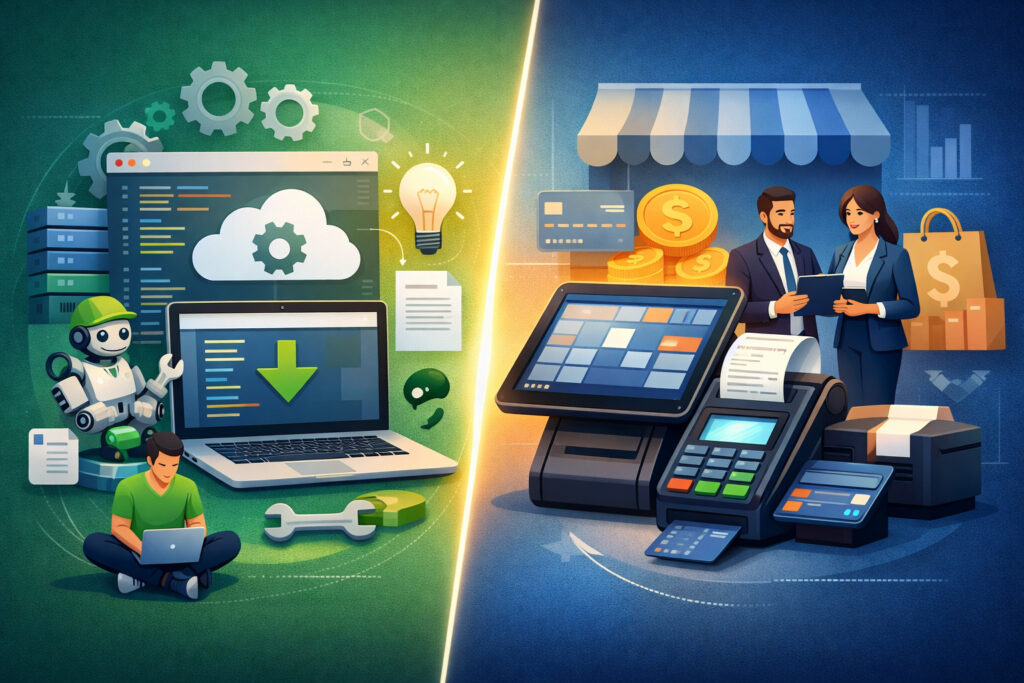
A lot of POS advice starts with labels (“free” vs. “paid”) that don’t reflect the full reality. In practice, these models differ most in who is responsible for hosting, updates, security, and support—and how quickly you can adapt the system to resale-specific needs.
Open-source POS: self-hosted, customizable, and owner-managed
An open-source POS typically means the core software is available at low or no licensing cost. You can host it yourself (on a local server, a private hosting provider, or a managed cloud server), customize it, and extend it with plugins or custom code. Open-source systems are often appealing because they provide customization and API access with fewer vendor restrictions.
But “open-source” doesn’t automatically mean “ready for resale.” Many open-source POS projects are built for general retail or hospitality and may require configuration or development to support consignment and resale inventory tracking, aging inventory rules, or special tagging.
What you usually own with open-source:
- Your hosting environment (or your hosting bill)
- Your update schedule (and the testing that should happen before updates)
- Your data security and backups
- Your integration decisions (accounting, ecommerce, payment processing integration)
Pro Tip: If an open-source POS is central to your store, treat it like an “internal product.” Someone must own uptime, updates, backups, and staff access—even if that “someone” is an outside contractor.
Commercial POS: subscription-based SaaS with managed updates and support
A commercial POS is typically cloud-based POS software sold as a subscription (often monthly). The vendor hosts and maintains the system, delivers updates, and provides support and onboarding.
Commercial systems tend to offer polished usability, standardized integrations, and quicker rollout—especially important if your team has mixed tech comfort levels.
The tradeoff is ongoing SaaS POS subscription pricing, vendor rules, and (in some cases) limitations around customization or full database access. Some also come with payment processing constraints that can impact your margins.
What you usually get with commercial POS:
- Vendor-managed hosting, monitoring, updates, and reliability
- Structured onboarding and training resources
- Built-in security features, user roles, and audit logs
- Standard integrations (ecommerce, accounting, shipping, loyalty)
Pro Tip: Commercial doesn’t always mean “one-size-fits-all.” The best systems can be configured deeply—but configuration is different from customization. The question is whether configuration alone covers your resale workflows.
At-a-Glance Table: Open-Source vs Commercial POS Systems
The fastest way to understand the difference is to look at responsibility and tradeoffs. Use this table as a “mental model” before you get into features.
| Category | Open-Source POS (Self-Hosted) | Commercial POS (Paid SaaS) |
|---|---|---|
| Typical software cost | Often $0–low licensing for core software; paid plugins possible | Monthly subscription per register/location; add-ons common |
| Setup effort | Higher: server/hosting + install + configuration + testing | Lower: guided setup, templates, vendor onboarding |
| Support | Community forums or paid consultants; quality varies | Vendor support desk + onboarding + documentation |
| Updates | You schedule and test updates | Vendor pushes updates automatically or on a set cadence |
| Customization | High: modify code, build plugins, deep workflows | Moderate: settings + approved integrations; APIs vary |
| Security & backups | Your responsibility end-to-end | Shared responsibility; vendor handles hosting-layer tasks |
| Scalability | Depends on your hosting and architecture | Often strong for POS system scalability and multi-site rollout |
| Best fit | Tech-capable operators, unique workflows, tight budget | Teams prioritizing speed, stability, and resale-specific tools |
What Resale Shops Specifically Need From a POS
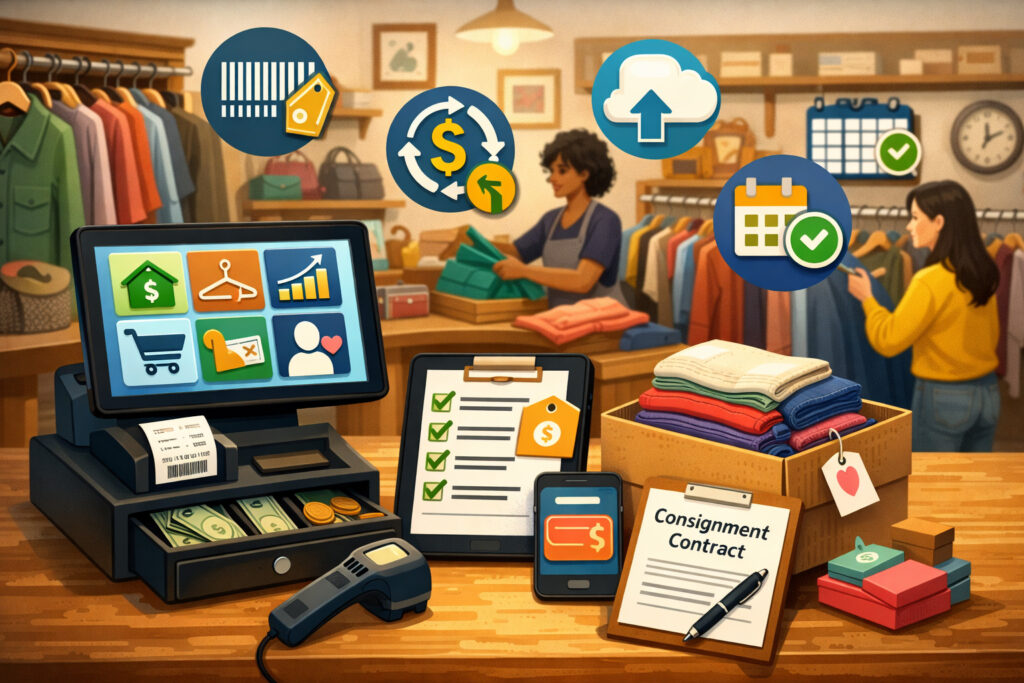
Resale operations are not just “retail with used products.” Your POS needs to handle item uniqueness, intake workflows, pricing strategies, and often payout logic (consignors, vendors, store credit). If your system misses these realities, you’ll feel it at the register and in your reporting.
Core resale shop POS features that matter day-to-day
Even small resale stores typically need:
- Unique item tracking (one-of-one SKUs, tags, condition notes)
- Fast intake (price, category, brand, size, location, condition)
- Thrift store inventory management that supports unpredictable supply
- Returns, exchanges, and store credit workflows that match your policies
- Reporting dashboards that highlight what’s selling and what’s stuck
Unlike standard retail, resale inventory often starts with imperfect data. Your POS must make “good enough and consistent” entry easy, so staff can keep up.
Resale inventory aging, markdowns, and category performance
Aging inventory and markdown logic is where resale stores either gain clarity—or drown in spreadsheets. A POS built for resale should support:
- Inventory age tracking (days on floor, days since intake)
- Markdown schedules (by age, category, or season)
- Visibility into sell-through rate, average days to sell, and margin patterns
- Reporting by category, brand, size, or rack/section
A common pain point: stores can see total sales, but can’t explain why sales were strong (or weak). A POS that supports category and intake-based reporting helps you buy (and accept) smarter.
Barcode labeling, tag printing, and speed at checkout
For resale, barcode and label printing isn’t optional—it’s survival. You’ll want:
- Fast label printing for intake (single-item and batch printing)
- Flexible label templates (price, size, brand, category, color, date)
- Compatibility with common label printers
- The ability to reprint tags quickly at the register
Also pay attention to hardware and workflows: hardware compatibility (iPad, desktop, Android) can impact how and where you process intake. If your intake happens in the back room, mobile devices or a dedicated intake station can remove bottlenecks.
Pro Tip: Before you pick a POS, run a “busy Saturday test.” Imagine a line at checkout and a stack of intake waiting. If the POS can’t print labels and find items fast, staff will create workarounds that become permanent.
Consignment, vendor splits, and payout logic (if applicable)
If you run consignment or a vendor mall model, your POS must handle:
- Consignor/vendor accounts and agreements
- Split calculations (percentage, tiered splits, changing splits by category)
- Payout schedules (weekly/monthly), thresholds, and fees
- Reporting by consignor/vendor: sales, inventory count, and aging
- Audit-friendly transaction logs for disputes
Many open-source platforms can be extended to do this. Many commercial platforms have it built-in or as an add-on. The key is verifying the exact workflow—not assuming it exists because the vendor says “consignment supported.”
Feature Comparison Table for Resale Shops (Inventory, Reporting, Ecommerce, Payments)
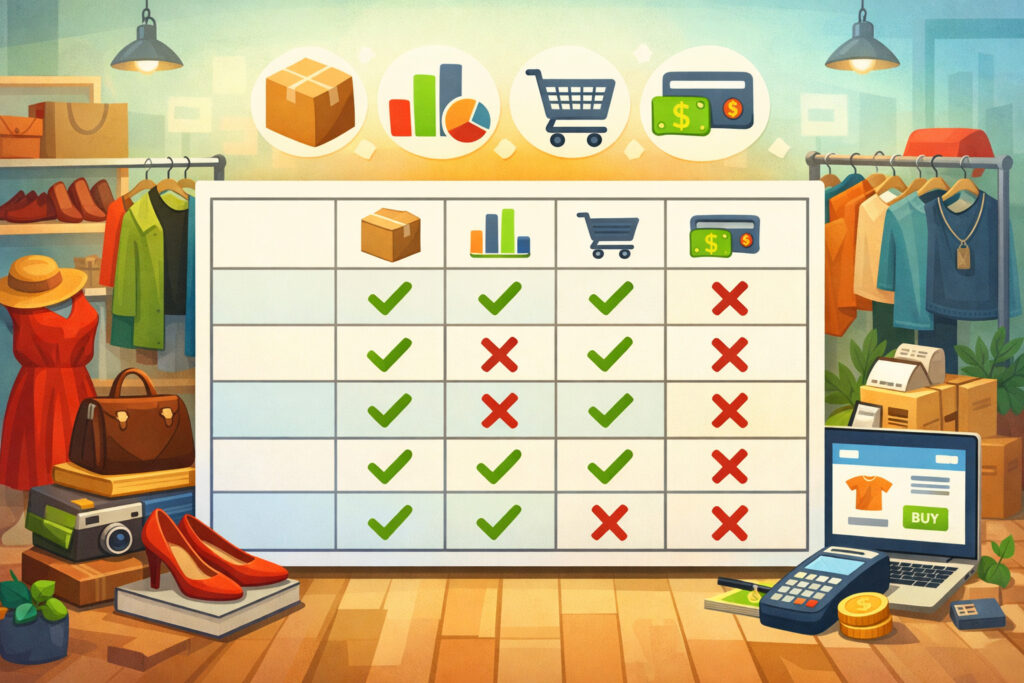
This table highlights where each model typically performs well. The right answer depends on your shop’s complexity and how much you’re willing to build vs. buy.
| Feature Area | Open-Source POS (Typical) | Commercial POS (Typical) |
|---|---|---|
| Unique item inventory | Possible, but may require configuration | Often supported natively with variations |
| Aging inventory & markdown rules | Often custom or manual without add-ons | More likely built-in or available as modules |
| Consignment/vendor splits | Possible with customization | Often available in resale-focused products |
| Barcode and label printing | Works with compatible drivers; setup varies | Usually streamlined with templates and guidance |
| Reporting dashboards | Basic out-of-box; advanced needs customization | Often strong with filters and scheduled reports |
| Ecommerce integration | Depends on connectors/APIs | Common integrations and sync tools |
| Payment processing integration | Varies by platform; may require gateway work | Usually integrated; watch for processor lock-in |
| Employee permissions & audit logs | Possible; maturity varies | Typically robust, admin-friendly controls |
| Multi-location retail POS | Possible but architecture-dependent | Often designed for multi-location rollout |
| Accounting software integration | Requires connectors or exports | Common integrations with popular tools |
Open-Source POS for Resale Shops: Advantages and Limitations
Open-source can be a smart choice for the right operator—but it rewards preparation. When it works, it gives flexibility and control. When it’s under-resourced, it creates daily friction and risk.
Advantages: flexibility, ownership, and customization potential
The strongest reasons resale operators choose open-source:
- Lower upfront software licensing in many cases
- Freedom to customize workflows around intake, tagging, and markdowns
- Ability to self-host for control over data and environment
- More direct access to databases and deeper customization and API access
- No “forced roadmap” from a vendor if you need a niche workflow
Open-source can also be attractive if you have unique operations—like vendor-mall reconciliation, specialized buy-sell-trade policies, or complex grading/condition rules. If you can build what you need, you’re not waiting for a product team to prioritize you.
Open-source also offers leverage: if you outgrow your initial setup, you can expand your hosting architecture and integrations without renegotiating a subscription.
Pro Tip: Open-source is a strategy, not just a tool. If you choose it, plan for an “operating budget” for maintenance and improvements—even if the software itself is free.
Limitations: setup complexity, maintenance responsibility, and resale feature gaps
The biggest open-source challenges typically show up in three places:
- Technical setup requirements: You’ll likely need someone comfortable with servers, networking, updates, and troubleshooting. Even with managed hosting, you need admin oversight.
- Responsibility for security and backups: If you misconfigure permissions or skip updates, you may create avoidable risks. Backups must be tested—not just “set.”
- Resale-specific features may not exist out-of-box: Many systems can track items, but resale stores need aging, markdowns, flexible tagging, and sometimes consignor/vendor splits. You may need custom work to get those features right.
Also consider the human side: if your best cashier is not tech-comfortable, overly complex screens can slow lines. Open-source user experience varies widely.
Where open-source shines for resale workflows
Open-source can be a good match when:
- Your store has relatively simple register workflows
- You can accept “good enough” reporting initially, then improve it
- You want to tailor intake screens and print layouts
- You have access to in-house technical skills (or a reliable contractor)
- You care deeply about controlling the environment and integrations
If you plan it well, open-source can deliver a strong long-term foundation—especially if your resale model has unusual requirements.
Commercial POS for Resale Shops: Advantages and Limitations
Commercial POS systems are popular in resale because they reduce operational burden and support fast rollout. They’re often designed to keep staff consistent, shorten training time, and deliver stable reporting quickly.
Advantages: faster rollout, resale-ready features, and vendor support
Reasons resale operators choose commercial POS:
- Quicker setup with guided onboarding and standard workflows
- Resale and consignment features often built-in or available as modules
- Stronger usability and less technical overhead for staff
- Built-in employee permissions and audit logs designed for retail teams
- Reliable updates and a support path when something breaks
For many shops, the biggest win is time: staff can process intake and checkout with fewer workarounds. And when you add ecommerce, the ecommerce integration story is often clearer—especially if your POS vendor supports common storefronts or has a maintained sync tool.
Commercial systems are also often better at multi-device operations. A register on a tablet, intake on a desktop, and management reports on a laptop can all work smoothly—assuming the system supports your preferred hardware.
Limitations: subscription costs, vendor constraints, and processor lock-in risk
Commercial POS isn’t “set and forget.” Common downsides include:
- Ongoing subscription fees and add-on costs that grow as you scale
- Feature access tied to plan tiers (advanced reporting, multi-location, etc.)
- Limitations on customization beyond available settings and integrations
- Potential restrictions around payment processing integration
Processor lock-in is a practical concern. Some vendors require or strongly incentivize using their processing. That can simplify setup, but it can also reduce flexibility if rates, policies, or customer support don’t match your needs.
Another risk: if you build your workflows around a specific vendor’s features, switching later can be painful. That doesn’t mean you should avoid commercial POS—just plan for data export and portability.
Pro Tip: Ask commercial vendors to demonstrate exports: inventory, customers, sales, payouts (if consignment), and audit logs. If exports are limited or messy, switching later will be harder.
Total Cost of Ownership in 2026: What You’ll Really Pay (and Why)
Sticker price is not total cost. A realistic free vs paid POS systems for resale businesses comparison includes software, hosting, hardware, payment processing, integrations, and the value of your time.
Total cost of ownership table (realistic ranges)
The ranges below vary by store size and complexity. They’re meant to help you budget and ask better questions—not promise exact totals.
| Cost Category | Open-Source POS (Self-Hosted) | Commercial POS (Paid SaaS) |
|---|---|---|
| Software licensing | $0–moderate (core free; paid modules possible) | Monthly subscription; often tiered by features |
| Hosting / server | Moderate monthly (hosting) or upfront (local server) | Included in subscription (typically) |
| Setup & configuration | Moderate–high (install + config + testing) | Low–moderate (onboarding + configuration) |
| Ongoing maintenance | Ongoing admin time or contractor retainer | Lower internal time; still needs admin oversight |
| Hardware | Depends on devices + printers + scanners | Similar; some vendors certify devices |
| Label printing | Printer + labels + template work | Printer + labels; templates often easier |
| Integrations | Custom connectors or exports | Common integrations; add-ons may cost |
| Support | Community or paid consultant | Vendor support included or tiered |
| Downtime risk cost | Higher if under-maintained | Lower (not zero), depends on vendor uptime |
| Upgrade path | Flexible, but you own migration effort | Vendor-managed updates; migration depends on vendor |
How to think about “time value” and operational cost
For resale operators, time is money in a very literal way:
- Intake time affects how quickly inventory hits the floor
- Checkout speed affects conversion and customer experience
- Reporting time affects buying/acceptance decisions and markdown strategy
- Troubleshooting time steals focus from staff coaching and merchandising
Open-source can reduce cash costs in some areas, but if it adds hours of admin work weekly, the tradeoff may be unfavorable. Commercials can cost more in subscriptions but save time in operations.
Pro Tip: Put a weekly number on your “POS admin hours.” Even 2–3 hours/week adds up. Compare that cost against subscription differences and decide what you’d rather spend—time or money.
Security, Backups, and PCI Basics (Plain Language)
Security isn’t just for large stores. Resale shops handle payments, customer data, employee access, refunds, and store credit. In 2026, security expectations are higher—and the cost of poor practices is real.
PCI basics: what matters for most resale shops
PCI is a set of standards designed to protect payment card data. Most resale shops can keep PCI responsibilities manageable by using:
- EMV chip and contactless terminals
- Tokenized payments (so the POS doesn’t store raw card numbers)
- A reputable processor and properly certified hardware
If you use a modern integrated terminal, your POS should not be storing full card numbers. That’s good—because storing sensitive payment data dramatically increases your risk and compliance burden.
Open-source vs. commercial doesn’t automatically decide PCI success. The bigger factor is how payments are integrated and how terminals are managed.
Backups, access control, and audit logs
Both POS models should support:
- Role-based access (cashier vs manager vs admin)
- Unique user logins (no shared passwords)
- Audit logs showing who changed prices, issued refunds, or edited inventory
- Regular backups and the ability to restore quickly
Open-source requires you to set backup policies and verify restores. Commercial typically provides vendor-managed backups, but you still want exports and a documented recovery plan.
Key questions to ask any provider (or yourself):
- How often are backups taken?
- How quickly can you restore after data loss?
- Can you export inventory, sales, and customer data on demand?
- Are audit logs searchable and retained long enough for your needs?
Pro Tip: A backup you’ve never restored is a hope, not a plan. Do a test restore at least quarterly—especially if you self-host.
Risks of unmanaged systems (and how to reduce them)
Unmanaged systems—especially self-hosted environments—can drift into risky territory:
- Skipped updates and unpatched vulnerabilities
- Weak passwords or shared staff logins
- Missing firewall rules or exposed admin panels
- Backups that fail silently
The solution is not “avoid open-source.” The solution is ownership: assign clear responsibility, document procedures, and schedule maintenance.
Scalability and Growth: Locations, Ecommerce, Reporting, and Staffing
Scalability isn’t only about having more registers. Resale growth often shows up as more intake volume, higher SKU variety, more staff members, ecommerce expansion, and additional locations.
Multi-location, shared inventory, and consistent workflows
If you’re moving toward multi-location retail POS, you’ll want:
- Centralized inventory visibility and transfers
- Consistent categories, tags, and pricing logic across stores
- Consolidated reporting dashboards (store-level and combined)
- User permissions that support managers at each location
Commercial systems often deliver this faster. Open-source can do it too, but you’ll need architecture planning and tighter operational discipline.
Ecommerce integration and omnichannel realities
Ecommerce is rarely “set it and forget it” for resale. Inventory is unique and can sell in-store at any moment. Strong ecommerce integration requires:
- Near real-time inventory sync (or very clear sync intervals)
- Conflict handling (what happens if an item sells in-store and online?)
- Easy listing workflows (photos, condition notes, sizing, tags)
- Shipping integration and order tracking
Commercial POS platforms often have maintained connectors. Open-source platforms can integrate via APIs, but you may need development to make it smooth—especially if you want custom listing workflows.
Reporting sophistication as a growth lever
As you scale, reporting moves from “nice to have” to “must have.” Look for:
- Category sell-through and margin trends
- Aging inventory reports and markdown effectiveness
- Employee performance metrics (sales, returns, discounts)
- Intake source insights (which suppliers or consignors drive profit)
If your POS can’t answer these questions, you’ll end up building parallel spreadsheets—which becomes fragile quickly.
Pro Tip: Make sure your POS can produce the reports you’ll need 12 months from now, not just today’s basics.
Real-World Scenarios: Which Model Fits Different Resale Operations?
Below are practical examples that show how the choice plays out in real operations. Use these to “pattern match” your shop.
Scenario 1: Small thrift store with a lean team and simple workflows
A small thrift store often needs speed: quick intake, basic categories, and reliable label printing. If the operation is simple and the owner is tech-comfortable, open-source can work—especially if the store can standardize categories and keep reporting requirements modest.
What usually matters most:
- Fast item creation with consistent categories
- Label printing that staff can do without troubleshooting
- Basic reporting by category and day/week performance
An open-source setup can be cost-effective if the owner can maintain it—or if a local IT contractor is on call. A commercial POS may still be worth it if the store has frequent staff turnover and needs faster training.
Scenario 2: Consignment boutique with payout schedules and disputes
Consignment adds complexity: split rules, payout timing, and the need for audit-friendly records. Commercial systems designed for resale often shine here because payouts and consignor statements can be built-in.
What usually matters most:
- Consignor/vendor accounts and accurate split calculations
- Statements that are easy to generate and explain
- Audit logs for price changes, discounts, and returns
- Reliable reporting by consignor and category
Open-source can handle this with customization, but you’ll want to be realistic about the build and testing effort—especially if disputes are common.
Scenario 3: Vendor mall with many sellers and monthly reconciliation
Vendor malls often need high-volume reconciliation: vendor reports, fees, split structures, and a clear history. The operational risk is high: a small reporting error becomes a big trust issue.
What usually matters most:
- Vendor-level sales reporting and inventory tracking
- Controlled staff permissions and strong audit logs
- Efficient monthly reconciliation workflows
- Scalable database performance as vendors grow
Commercials may reduce risk and workload here, unless you have strong internal technical resources and a clear roadmap for open-source customization.
Scenario 4: Growing resale brand planning a second location + ecommerce
This is where scalability matters. Commercial POS often offers a smoother path for adding locations and ecommerce quickly—especially if you want consistent reporting dashboards and fewer moving pieces.
What usually matters most:
- Multi-location reporting and inventory transfers
- Ecommerce sync and order workflows
- Consistent staff permissions and role control
- A clear support path when something breaks
Open-source can still work—but it needs deliberate architecture planning and disciplined operations.
Best Option by Resale Shop Type (Decision Table)
Use this as a starting point, not a rule. The “best” choice depends on your team, tolerance for technical work, and feature priorities.
| Resale Shop Type | Typical Priorities | Often Best Fit | Why |
|---|---|---|---|
| Small thrift store | Speed, basic reporting, low overhead | Open-source or commercial | Open-source can work if simple; commercial helps training and stability |
| Consignment boutique | Splits, statements, audit trails | Commercial | Consignment workflows are often mature and reduce disputes |
| Vendor mall | Vendor reporting, reconciliation, access control | Commercial (often) | Strong permissions and reporting reduce operational risk |
| Multi-location resale | Scalability, consistency, ecommerce | Commercial (often) | Faster rollout, multi-site tools, and supported integrations |
Pro Tip: If your shop type is “between categories,” decide based on the hardest workflow you must get right (payouts, ecommerce sync, or multi-location). Optimize for the hardest thing, not the easiest.
Decision Framework Checklist: How to Choose With Confidence
Instead of picking based on demos alone, run a structured decision process. This reduces the odds of buyer’s remorse after you’ve printed 5,000 tags.
Step 1: Map your real workflows (not your ideal workflows)
Write down:
- Intake steps (who does what, where, how many items/day)
- Tagging and label printing steps
- Checkout flow (discounts, returns, store credit)
- Markdown rules and schedule
- Consignment/vendor payout process (if applicable)
- Ecommerce listing process (if applicable)
Then ask: can the POS support this workflow with configuration? Or does it require customization?
Step 2: Score what matters (and ignore what doesn’t)
Create a simple scorecard (1–5) for:
- Inventory speed and accuracy
- Barcode and label printing ease
- Reporting dashboards and filters
- Employee permissions and audit logs
- Ecommerce integration quality
- Payment processing integration flexibility
- Support quality and onboarding
- Total cost of ownership
- POS system scalability for your growth plan
Step 3: Run a pilot with real items and real staff
A pilot should include:
- Creating items from intake
- Printing labels
- Selling and returning items
- Running your key reports
- Testing permissions (cashier vs manager)
- Exporting data (inventory and sales at minimum)
Pro Tip: The best POS decision is made in a pilot, not in a sales call. Real inventory reveals friction immediately.
30/60/90-Day Implementation Plan (Works for Either Path)
A good implementation protects your day-to-day operations. The plan below applies whether you choose open-source or commercial—just adjust who owns each step.
Days 1–30: Research, requirements, and pilot
Focus on clarity and controlled testing.
- Define success criteria (speed, labels, reports, payouts, ecommerce)
- Clean up categories and pricing rules (keep it simple at first)
- Choose hardware standards (scanner, label printer, receipt printer)
- Build a sample inventory set for testing
- Run a pilot with 1–2 staff members on realistic scenarios
- Document gaps and decide whether they are “must fix” or “nice to have”
Deliverables by day 30:
- A confirmed workflow map
- A hardware list and budget
- A pilot results summary (what worked, what didn’t)
- A go/no-go decision with a clear rationale
Days 31–60: Data setup, hardware install, and integrations
This is where most POS projects succeed or fail.
- Configure categories, taxes, discounts, and markdown logic
- Set up employee roles, permissions, and audit log retention
- Finalize label templates and test batch printing
- Connect accounting exports or integration with accounting software
- Configure payment processing integration and test refunds/returns
- If ecommerce matters, set up a limited set of synced items first
- Create a backup/export routine and test it
Deliverables by day 60:
- Working intake-to-sale workflow
- Verified label printing and scanner performance
- Confirmed end-of-day process
- Successful exports and basic report validation
Pro Tip: Don’t launch with every feature turned on. Launch with the smallest stable set that supports daily operations, then add complexity.
Days 61–90: Staff training, launch, and reporting optimization
Now you harden the system and build habits.
- Train staff by role (cashier, intake, manager)
- Create quick-reference guides (returns, tag reprints, price edits)
- Launch during a lower-risk period (avoid big event weekends)
- Monitor issues and fix root causes (not just symptoms)
- Refine reporting dashboards: what managers review weekly
- Review markdown effectiveness and adjust rules if needed
- If you postponed ecommerce sync, expand it carefully
Deliverables by day 90:
- Staff confidence and consistent workflows
- Weekly KPI reporting rhythm (sell-through, aging, category performance)
- Documented procedures for onboarding new employees
- A maintenance plan (updates, exports, backups, permissions reviews)
Implementation Considerations That Are Easy to Miss (But Costly Later)
Even strong POS choices can stumble if these operational details are ignored.
Hardware compatibility and store layout realities
Check:
- Does the POS support your preferred devices: iPad, desktop, Android?
- Are barcode scanners plug-and-play or driver-dependent?
- Can label printers be shared across stations?
- Does your intake area need a dedicated workstation?
Hardware isn’t just cost—it’s workflow design. If intake happens away from the register, you’ll need a setup that reduces walking and re-entry.
Support and onboarding: what “help” actually looks like
Ask vendors or consultants:
- What is the response time for urgent issues?
- Do they offer phone support or only tickets?
- Is onboarding included or extra?
- Are there training materials for new hires?
Open-source often requires you to build your own support path. Commercials often offer it—but verify quality and hours.
Data portability and exit planning
Even if you love your POS, plan for the possibility you’ll switch someday.
Make sure you can export:
- Inventory (including custom fields like condition and intake date)
- Sales history and returns
- Customer data (if you store it)
- Consignor/vendor statements and payout records (if applicable)
- Audit logs or key event history
Pro Tip: A POS that can’t export cleanly may still be usable—but it increases switching cost. Treat export quality as part of your decision.
FAQs
Q1) Is open-source POS really free?
Answer: Open-source POS often has a free or low-cost core license, but “free” usually applies to the software code—not the full operating setup. You may still pay for hosting, paid modules, support, and the time required to maintain the system.
Q2) What are the hidden costs of free POS systems?
Answer: Common hidden costs include hosting, backups, security updates, consultant time, integration work, troubleshooting downtime, and staff time spent on workarounds when resale-specific features are missing.
Q3) Which is more secure: open-source or commercial POS?
Answer: Either can be secure if managed well. Commercial providers often handle hosting-layer security and updates, while open-source security depends heavily on your setup quality, patch discipline, and access controls. The biggest risk factor is neglect, not the license model.
Q4) Can open-source POS handle resale inventory?
Answer: Often yes for basic unique-item inventory, but you may need configuration or customization for resale-specific needs like aging inventory, markdown schedules, and flexible tagging. Consignment/vendor split logic may also require customization depending on the platform.
Q5) What’s the best POS system for resale shops?
Answer: The best choice depends on your workflows and constraints. If you need rapid rollout, built-in resale tools, and minimal IT overhead, commercials are often a strong fit. If you’re tech-capable and need unique workflows or deep customization, open-source may be better.
Q6) How difficult is it to maintain a self-hosted POS?
Answer: It depends on your environment and experience. Expect routine tasks like updates, backups, user management, and occasional troubleshooting. If you don’t have internal capability, budget for a reliable contractor or managed hosting plus support.
Q7) Do commercial POS systems lock you into their payment processor?
Answer: Some do, some don’t. Many offer integrated processing and may incentivize it. Ask directly whether you can bring your own processor, what gateways are supported, and what fees apply if you choose an outside processor.
Q8) Can I switch from open-source to commercial later?
Answer: Yes, but the ease depends on data exports and how much customization you built. Plan ahead by standardizing categories, keeping clean inventory fields, and ensuring you can export inventory and sales data in usable formats.
Q9) Can I switch from commercial to open-source later?
Answer: Yes, but it can be more complex if your commercial system stores data in formats that export poorly or if you rely heavily on proprietary workflows. Verify export quality and field completeness before committing.
Q10) What hardware works with each type?
Answer: Both models can support common setups, but the details vary. Confirm compatibility for barcode scanners, receipt printers, cash drawers, and especially label printers. Also confirm device support for the operating systems you plan to use.
Q11) How do I calculate total cost of ownership?
Answer: List software fees, hosting (if any), hardware, payment processing costs, integration costs, support costs, and estimated weekly admin time. Multiply admin time by a realistic hourly value, then compare totals across 12–24 months.
Q12) What reporting should a resale shop prioritize?
Answer: At minimum: category performance, sales trends, returns, discount usage, and aging inventory. If you run consignment or vendors, add statements, payout reconciliation, and sales by consignor/vendor.
Q13) Do I need ecommerce integration on day one?
Answer: Not always. If your store is stable in-person and you’re still refining intake consistency, it can be smart to launch POS first and add ecommerce sync after workflows are reliable—especially to avoid inventory conflicts.
Q14) How important are employee permissions and audit logs?
Answer: Very important. Resale shops often deal with pricing overrides, discounts, returns, and store credit. Audit logs and permissions protect the business and reduce disputes—internally and with consignors/vendors.
Q15) What should I test during a POS pilot?
Answer: Test intake, labeling, selling, returning, reporting, exports, and permissions. Use real items and real staff. The goal is to expose friction before you commit to a full rollout.
Conclusion
The open-source vs. commercial decision is less about ideology and more about operational fit. Open-source can offer control and flexibility—especially when you have technical capability and unique workflows. Commercial POS often wins on speed, support, resale-ready tools, and lower ongoing maintenance burden.
If you’re still torn, focus on your “hardest workflow.” For many resale businesses, that’s one of these:
- Consignment/vendor splits and statements
- Aging inventory and markdown management
- Ecommerce integration and inventory accuracy
- Multi-location consistency and reporting
Choose the model that makes your hardest workflow reliable—with the least long-term strain on your time and team.